Vat Included
Only 12 Left in stock
Minimum Order Quantity: 1 Piece
Key Features
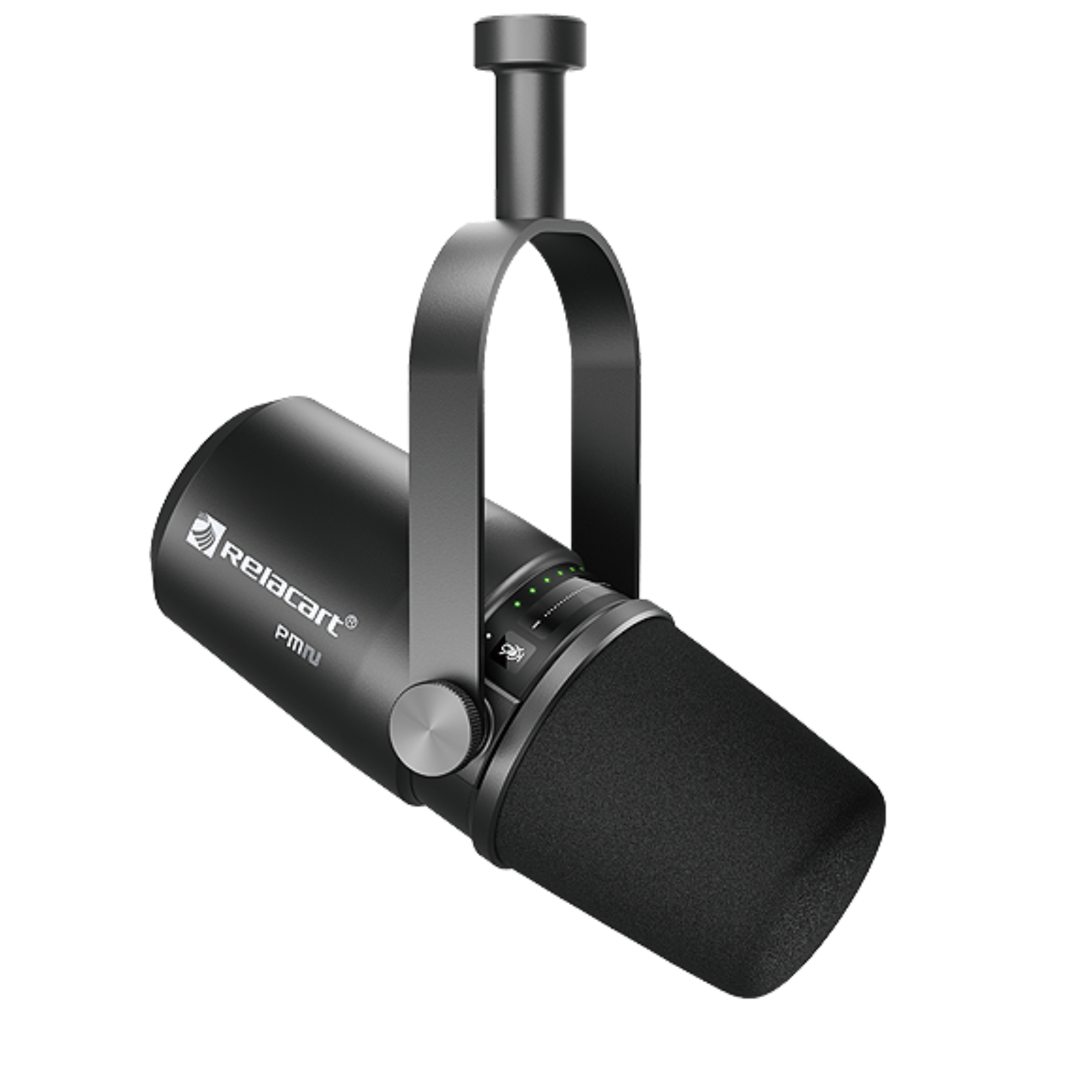
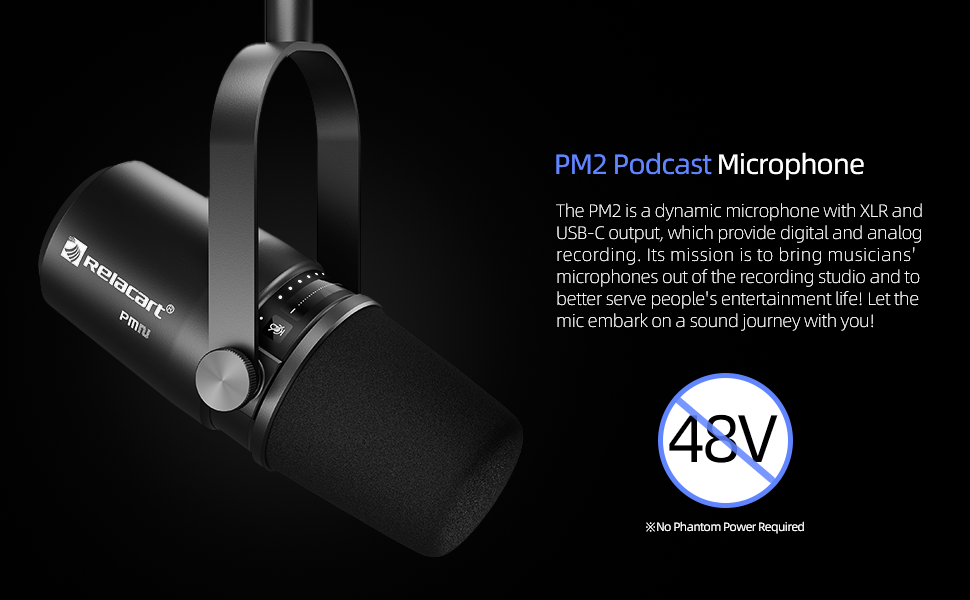
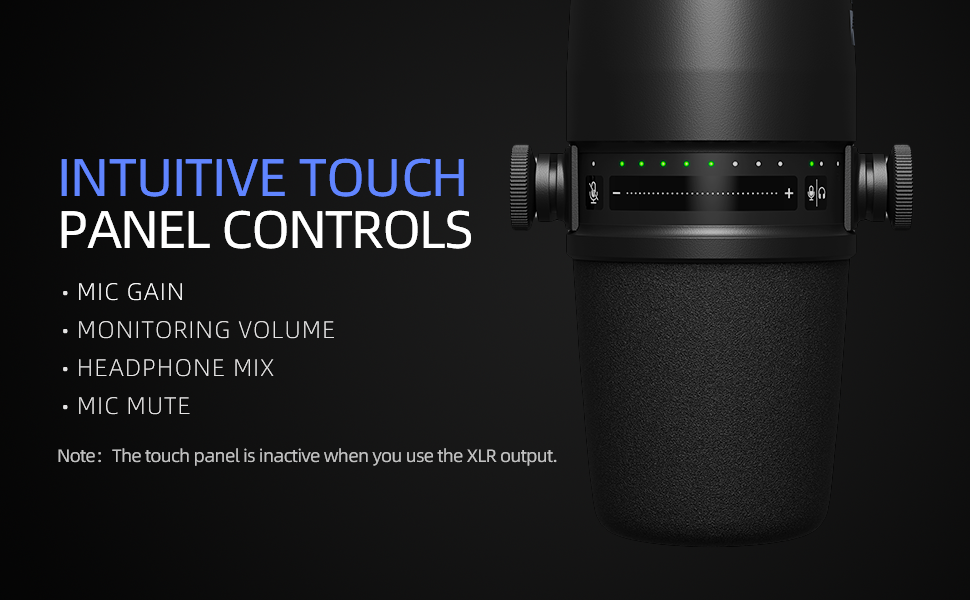
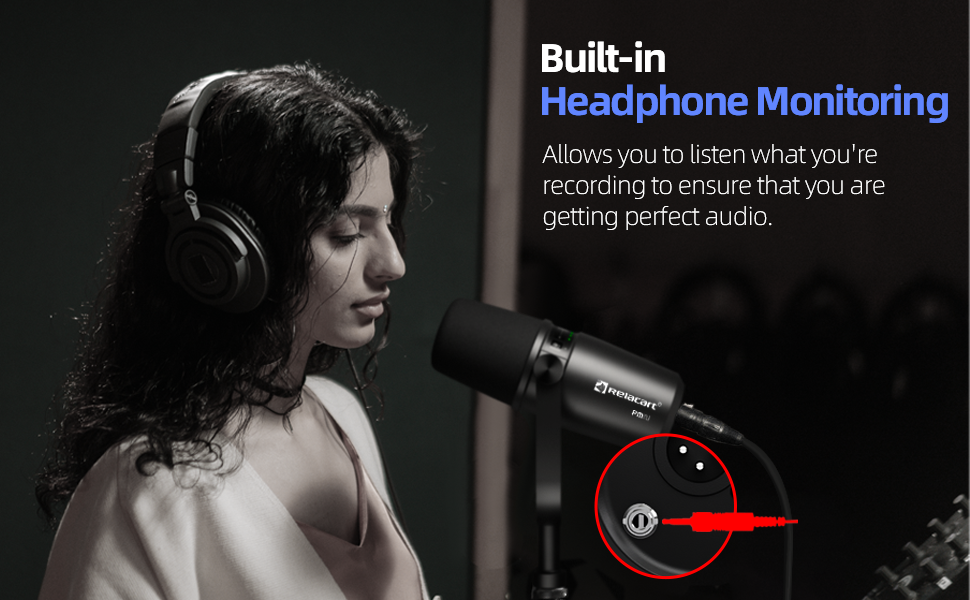
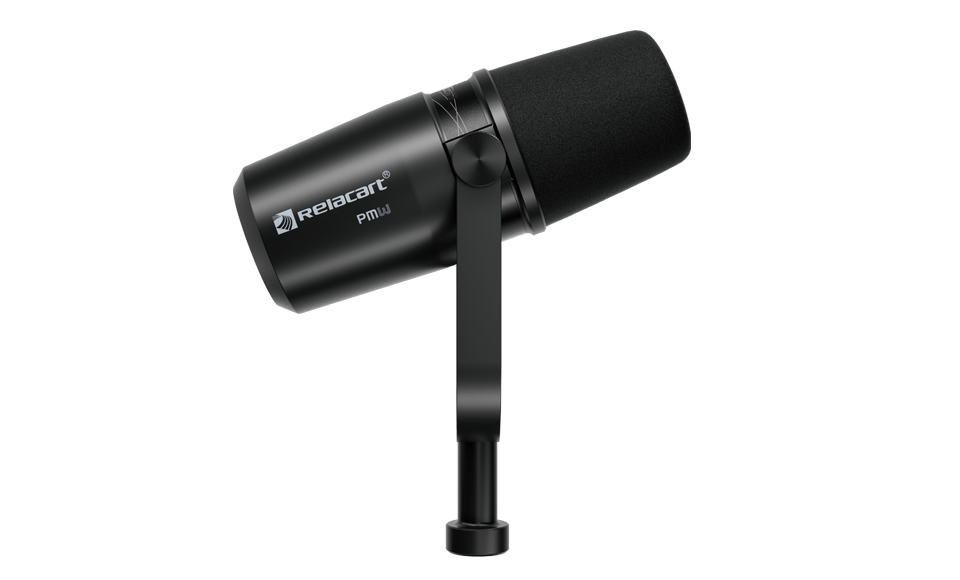
PM2 is a dynamic microphone that uses electromagnetic induction to vibrate and produce sound. Its mission is to bring musicians' microphones out of the recording studio and to better serve people's entertainment life! PM2 is a noise-reduction microphone using USB and XLR ports, and it is connected to terminals such as computers and mobile phones via USB data cables.
Read More Less
PM2 is a dynamic microphone that uses electromagnetic induction to vibrate and produce sound. Its mission is to bring musicians' microphones out of the recording studio and to better serve people's entertainment life! PM2 is a noise-reduction microphone using USB and XLR ports, and it is connected to terminals such as computers and mobile phones via USB data cables.

At the same time, PM2 is also a piece of studio-level professional equipment. Connect the mixer through the XLR output interface. Let the PM2 embark on a sound journey with you!
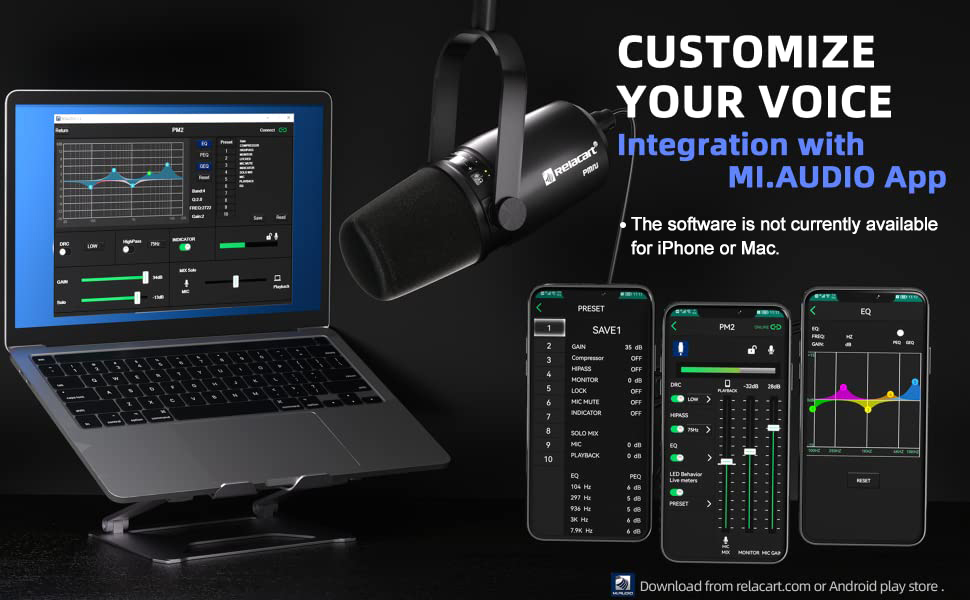
Mi.AUDIO Control Software: https://relacart.com/pc/Support/Tool&Software/toolsDetail?id=d7bf88e44547044e444b245435f31faf&language=en




Vat Included


Vat Included
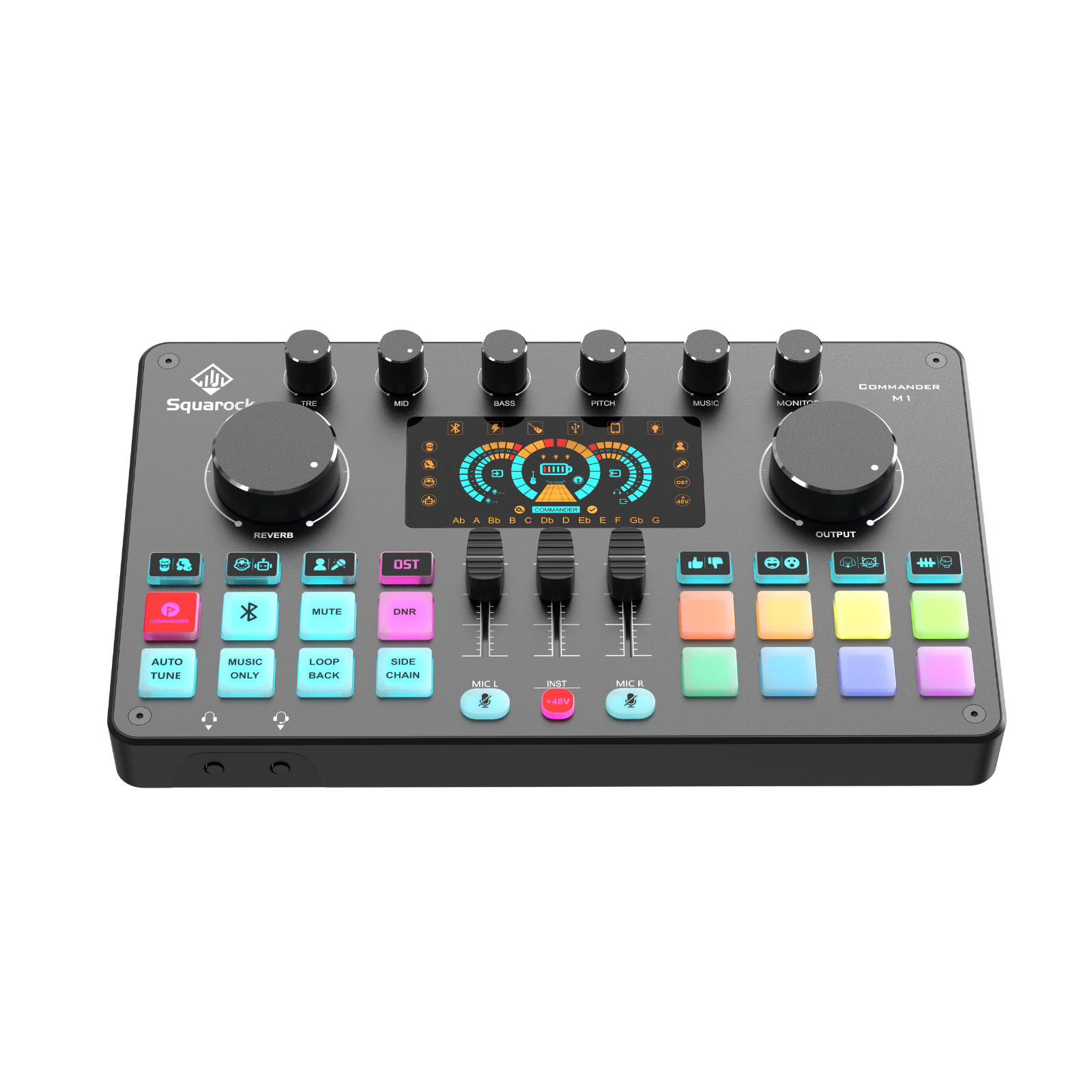
There are 6 small knobs on the top of the M1 panel:
TRE, MID, BASS knobs are for manually adjusting the tone of your voice from the microphone.
The PITCH knob is for adjusting the pitch of the 4 voice-changer modes and HOST, SING, OST 3 sound modes.
The MUSIC knob is for adjusting the volume of accompanying music (this includes Bluetooth music and wired input music from the MUSIC port).
MONITOR is for adjusting the volume of the headphones and speaker. 2 large knobs.
REVERB adjusts the reverb/echo effects of your voice from microphones.
OUTPUT is for adjusting the output audio volume to PHONE or PC ports.
In the middle of the bottom half of the panel, there are 3 slider knobs. The left slider is for adjusting the volume of MIC L group (MIC L1, MIC L2). The mute button is for mute the two mics. The right slider and right mute button are doing the same for MIC R group (MIC R1, MIC R2). The middle slider is for adjusting the volume of instrument.
The red +48V button has nothing to do with the INST slider. The +48V button is the on/off 48V phantom power. It will add 48 volts to the left and right mics (MICL1 and MIC R1). MIC L1 port and MIC R1 port are for 48V condenser microphones. Only when you open red +48V button, the two MIC ports will start work. MIC L2 and MIC R2 are for 5V condenser microphones or dynamic microphones. The microphones in our bundles are condenser. If you want to use your own dynamic mic, you need to switch MIC SETTING to dynamic.
Vat Included
Vat Included
Vat Included
Vat Included
Vat Included
Vat Included
Vat Included
Vat Included
Vat Included